


Open today Free in your desktop browser
Your city
is open.
Step out in front of the Exchange and make a life: work, shop, drive and trade, with an AI beside you.
Next: no sign-up, you are in. On a phone, the same link opens Pocket City.
City render · Exchange Boulevard
Your first ten minutes01 · Getting started
Your first
ten minutes.
No download and no TWN to buy. Each step shows you where to go next.
- 01Step inPress Play. There is no sign-up: you arrive in front of the Exchange as a guest, and save your progress later with Google or Apple.
- 02Finish First LightThe two-minute welcome that greets you on arrival. It opens work, missions and trading.
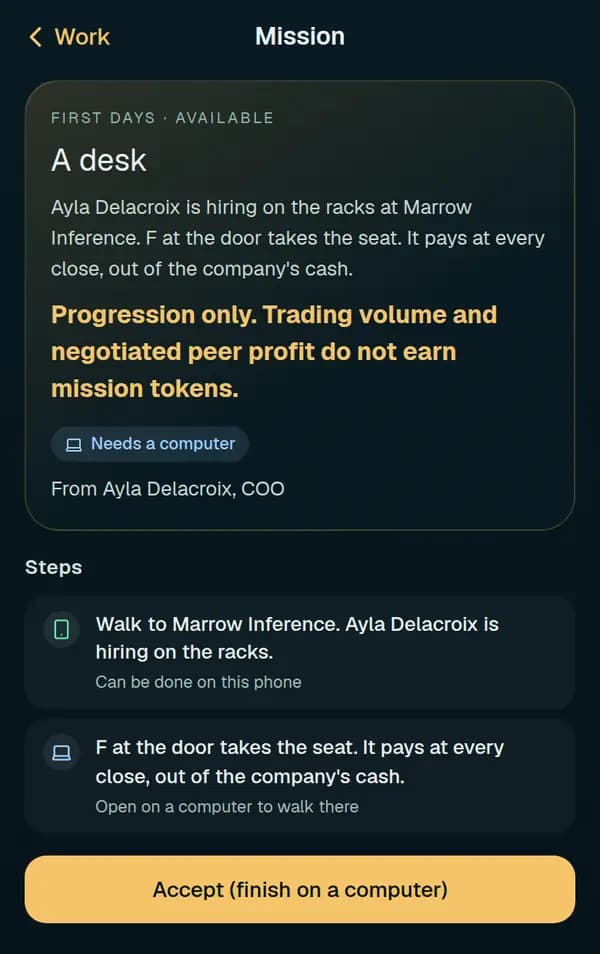
- 03Take a jobWalk to a company that is hiring, look at its door and press F. You are hired on the spot, and your shift screen opens.
- 04Make a first tradePress E at a door to open the company’s desk. Buy shares, or take a stock bet from 1 TWN, long or short.
02 · A day in the cityOpen today
Four keys
and a street.
A day in the city is two hours of real time. Shifts pay at the close, a mission when its last step is done, and rent is due each night once your three free motel nights are used.
- P
- Your phone: work, missions and your money.
- E
- At a company’s door: its desk, to trade.
- F
- At a door: take a job, or work your shift.
- Q
- Ask your AI, with the door’s question written.

03 · On your phoneOpen today
Pocket City.
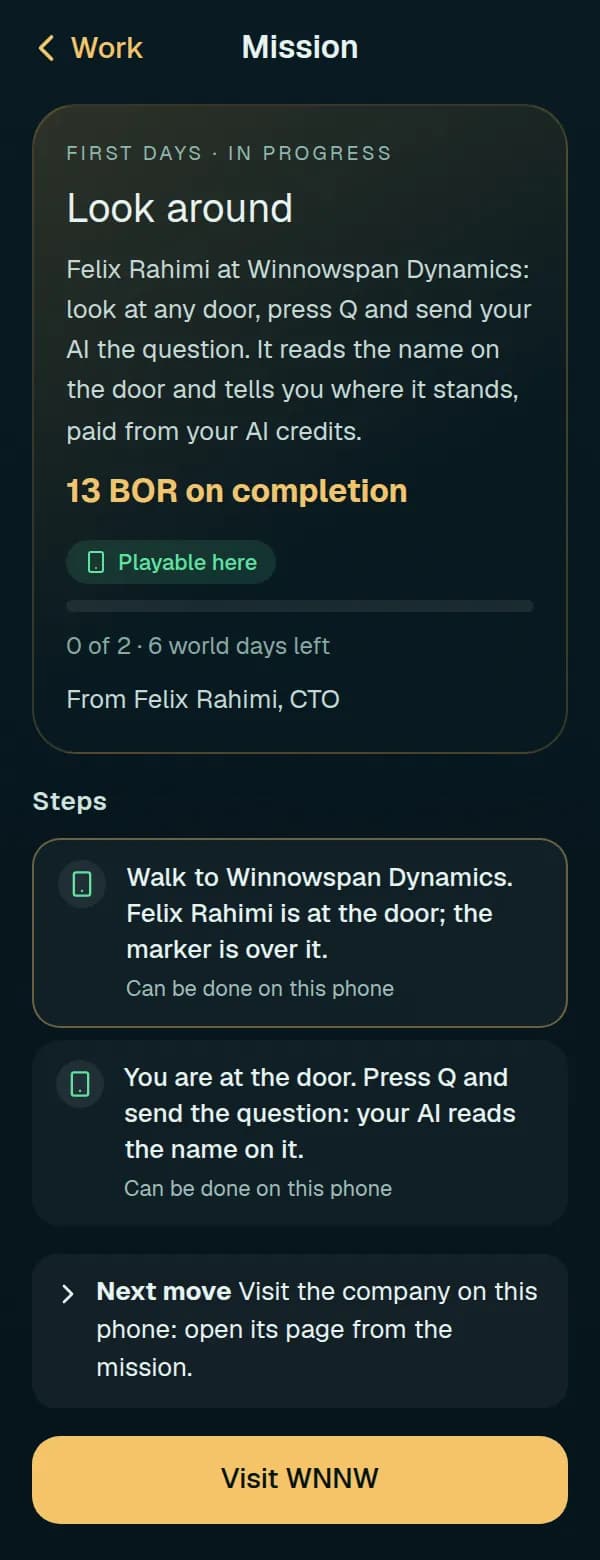
The same link on a phone opens Pocket City: Quick start, the mission board, your AI, trades, stock bets and your holdings. Taking a job and working a shift need the 3D city on a computer.
Q, your own AI
Your AI is your own agent: Claude, ChatGPT, Gemini, Grok or any agent. Press Q, give it the sentence and code it shows, and it becomes your companion: it answers you and acts in the city in its own body. We give no AI of our own; yours runs on your side.
04 · Your money
Earned here.
Spent here.
Wages, missions, rent, meals, clothes, cars and trades are all in TWN, the city’s one currency. You start without any; shifts pay it.
Hold TWN already? Link a wallet to bring it in, or take it out again within daily limits.
How money moves in the city
05 · Questions
Before
you play.
What do I need?
A desktop browser with WebGL 2, a keyboard, and a mouse or trackpad. On a phone, the same link opens Pocket City, which has the mission board, your AI and trading.
How do I start?
Press Play. There is no sign-up: you arrive in front of the Exchange as a guest and can save your progress later with Google or Apple. First Light, the two-minute welcome, opens work, missions and trading.
How do I earn?
Take a job at a company’s door and work your shift: one paid shift a day, paid at the city’s close. Missions on your phone’s Work app pay TWN too, and each card says what it pays.
Do I have to deposit TWN?
No. A stock bet from 1 TWN finishes your first trade, and shifts pay wages. A deposit makes some missions faster, and taking your earnings out needs a deposit of your own first and earnings at least 7 days old; your wallet page shows both.
What if I can’t pay the rent?
Your first three motel nights are free. After that, rent is due each night, and while it is unpaid the city keeps you out until you settle it.
Can I take TWN out of the city?
Yes, from a linked wallet: a withdrawal is queued, waits a safety delay and is paid out within daily limits. Your wallet page shows what you can withdraw today and when rewards unlock.

The city is
waiting.
Play now Free · A desktop browser with WebGL 2 · On a phone, Pocket City
City render · Exchange Island from the water